
My Space
Your favorites, all within reach.
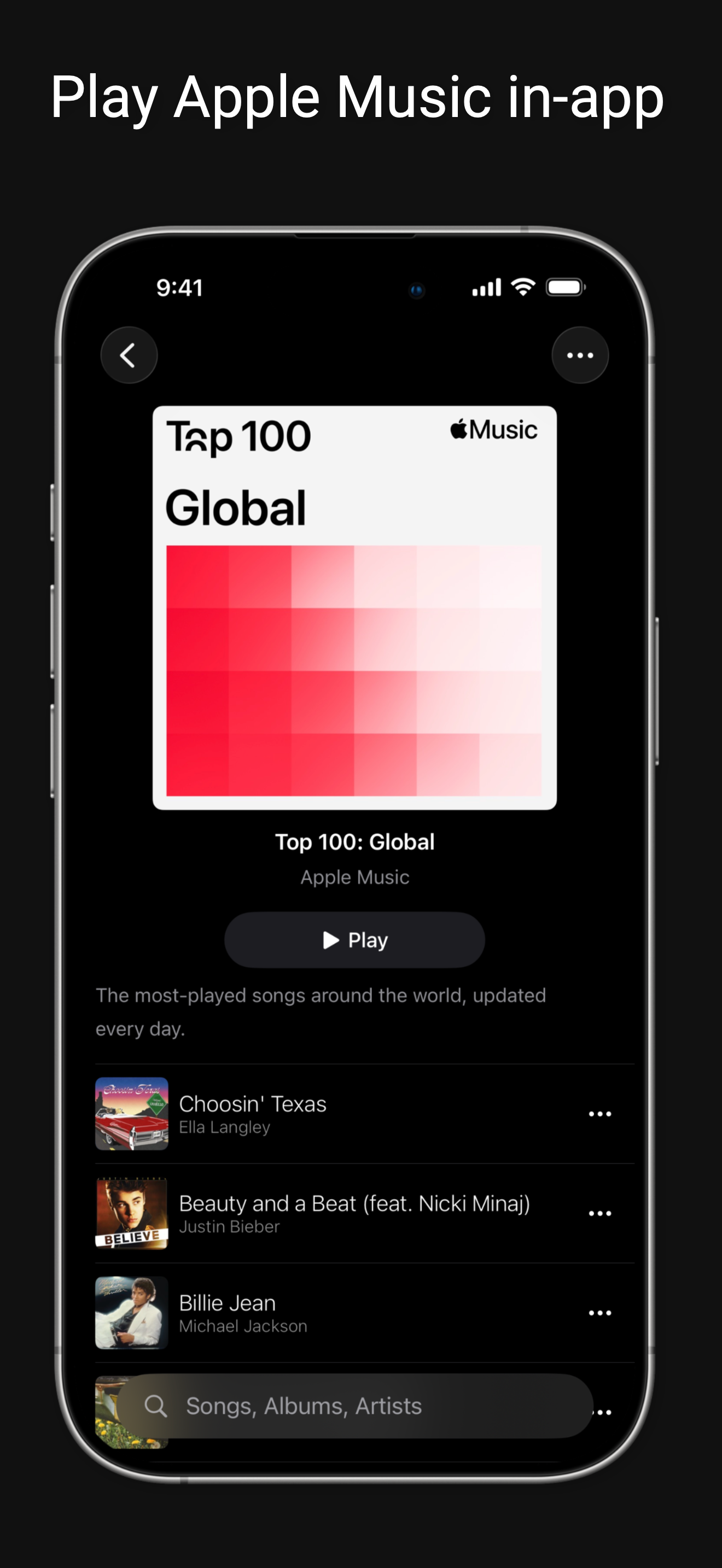
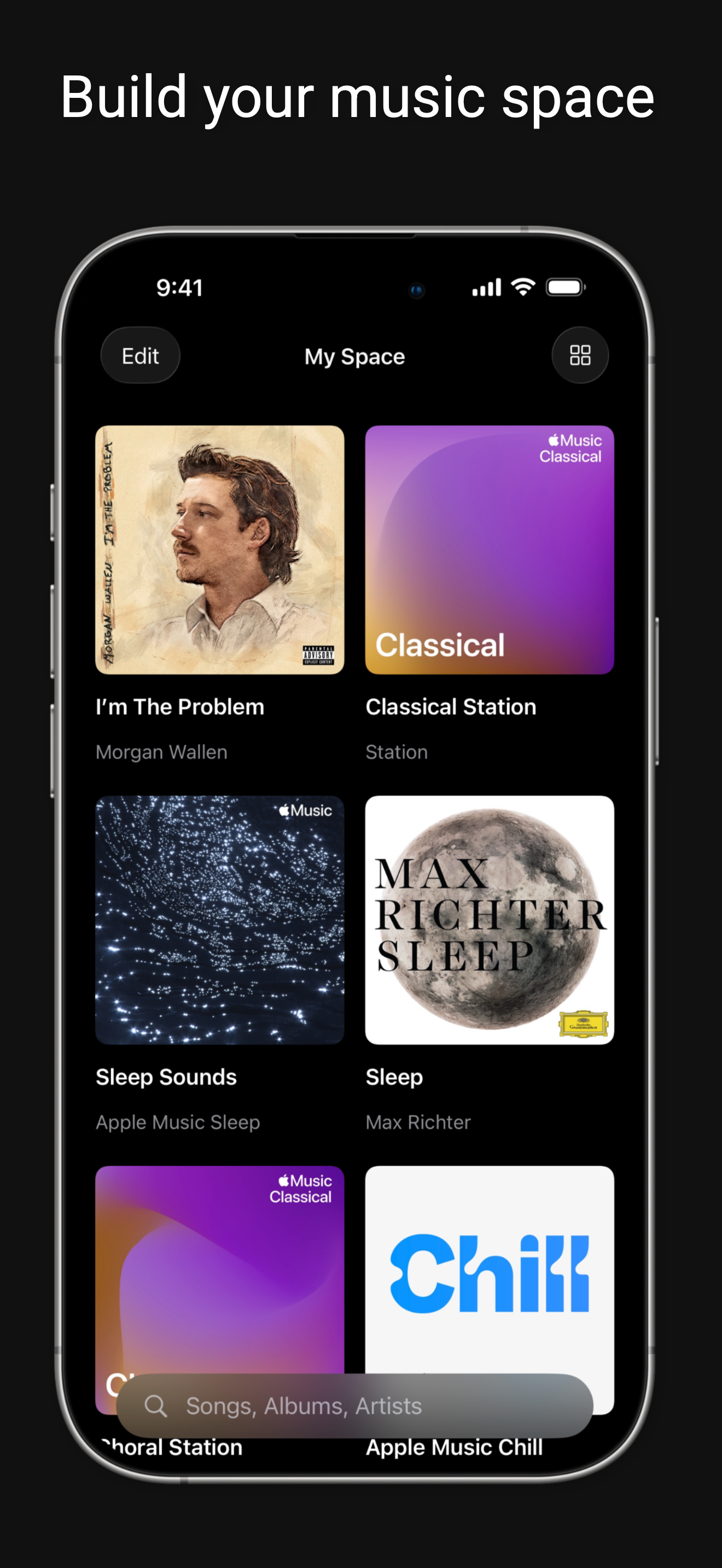
Keep songs, albums, playlists, artists, stations, and listening modes together in one personal space. Arrange them your way, so the music and sessions you return to are easy to find.
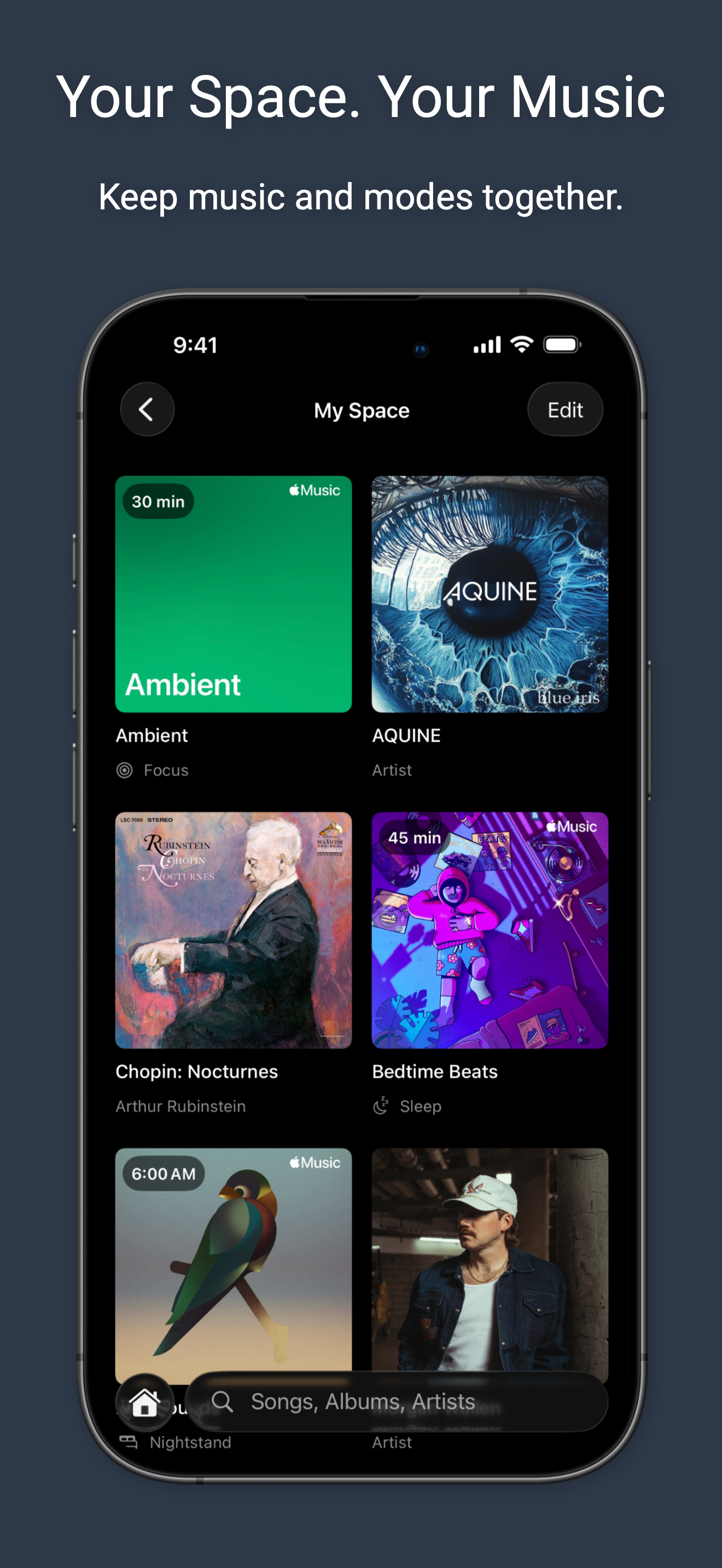
An Apple Music companion to organize albums and playlists, select and reorder tracks, and use modes for focus, sleep, and waking up.
Apple Music subscription required for full-length catalog playback.
Your favorites, all within reach.
Keep songs, albums, playlists, artists, stations, and listening modes together in one personal space. Arrange them your way, so the music and sessions you return to are easy to find.
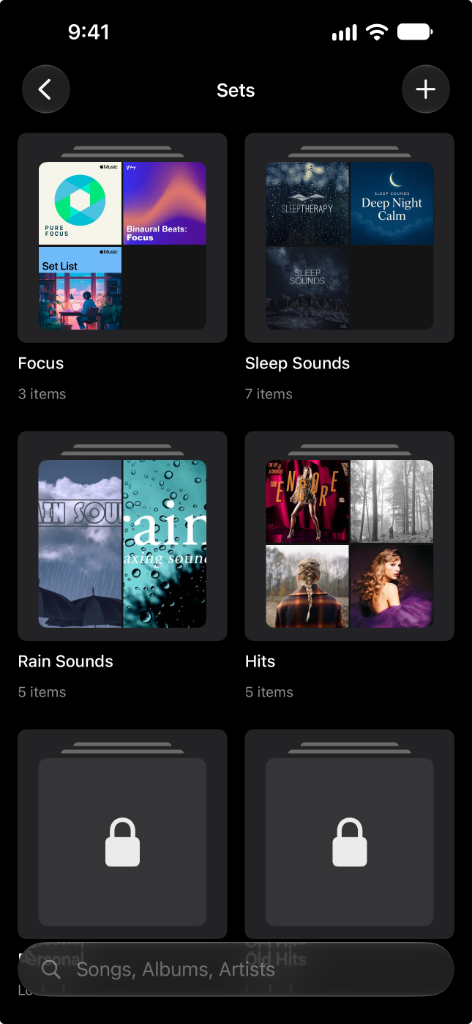
Albums and playlists, organized your way.
Group albums and playlists into collections you can return to. Make a Set for a mood, a genre, or a moment, then open any album or playlist when you're ready to listen.
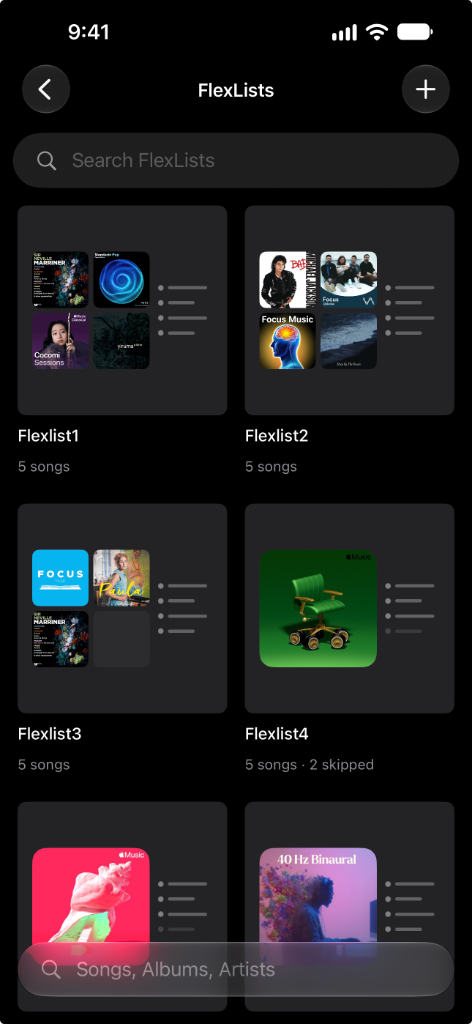
The tracks you want. In the order you want.
Create a FlexList from albums and playlists, then choose which tracks play and in what order. Mute tracks you want to leave out and reorder the rest to make the mix your own.
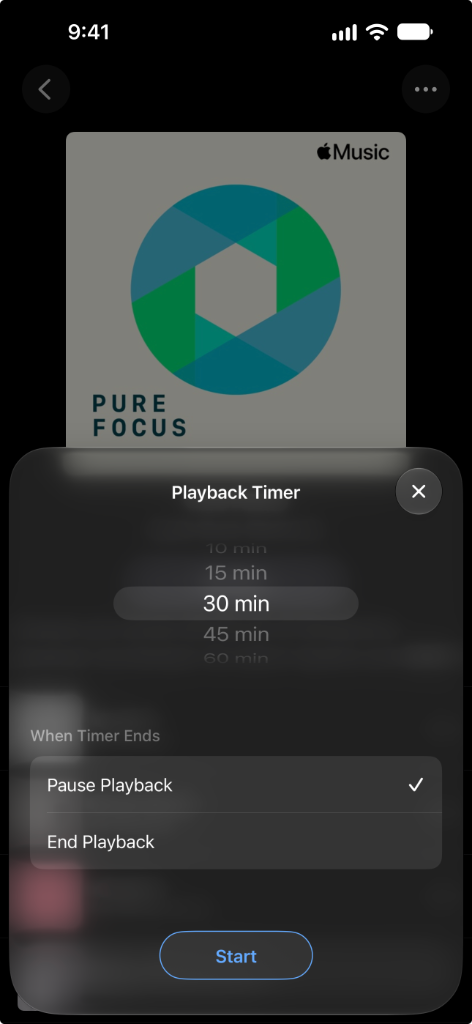
Keep listening. Let the timer handle the stop.
Set a timer for the music playing in Music Mode and let playback stop when time is up. A simple way to put a time limit on listening without starting a dedicated mode.
Music for the time you set aside.
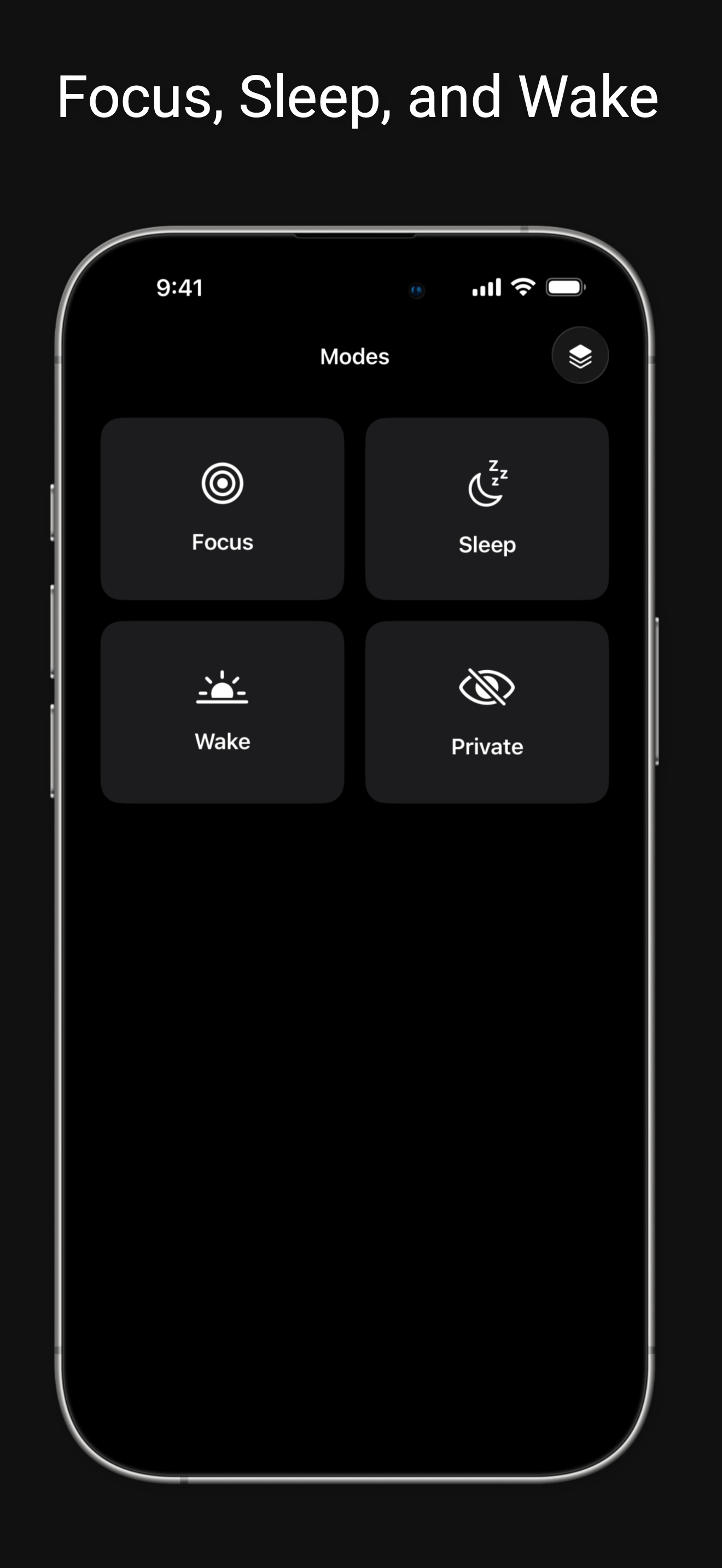
Choose your music and a session length, or listen without a time limit. Change the music, add to the queue, and manage what's next while your Focus session keeps going.
Follow your session from the Lock Screen with Live Activities.
Wind down with music. Let it stop for you.
Choose your music, set a sleep timer, and settle in. Sleep gives you a dedicated listening session that stops playback when the timer ends, so your music doesn't need to play all night.
Check your remaining time from the Lock Screen with Live Activities.
From winding down to waking up.
Choose your music and set a wake-up time. Add an optional sleep timer for bedtime, or use Nightstand for wake-up music alone. Keep your evening and morning listening in one place.
A bedside music companion, not a replacement for a dedicated alarm.
Keep selected collections behind a lock.
Choose which Sets and FlexLists need authentication before they open. Keep personal collections protected inside Music Mode, while leaving the rest of your music easy to browse.
Protects access to collections inside Music Mode. It is not a private listening mode.
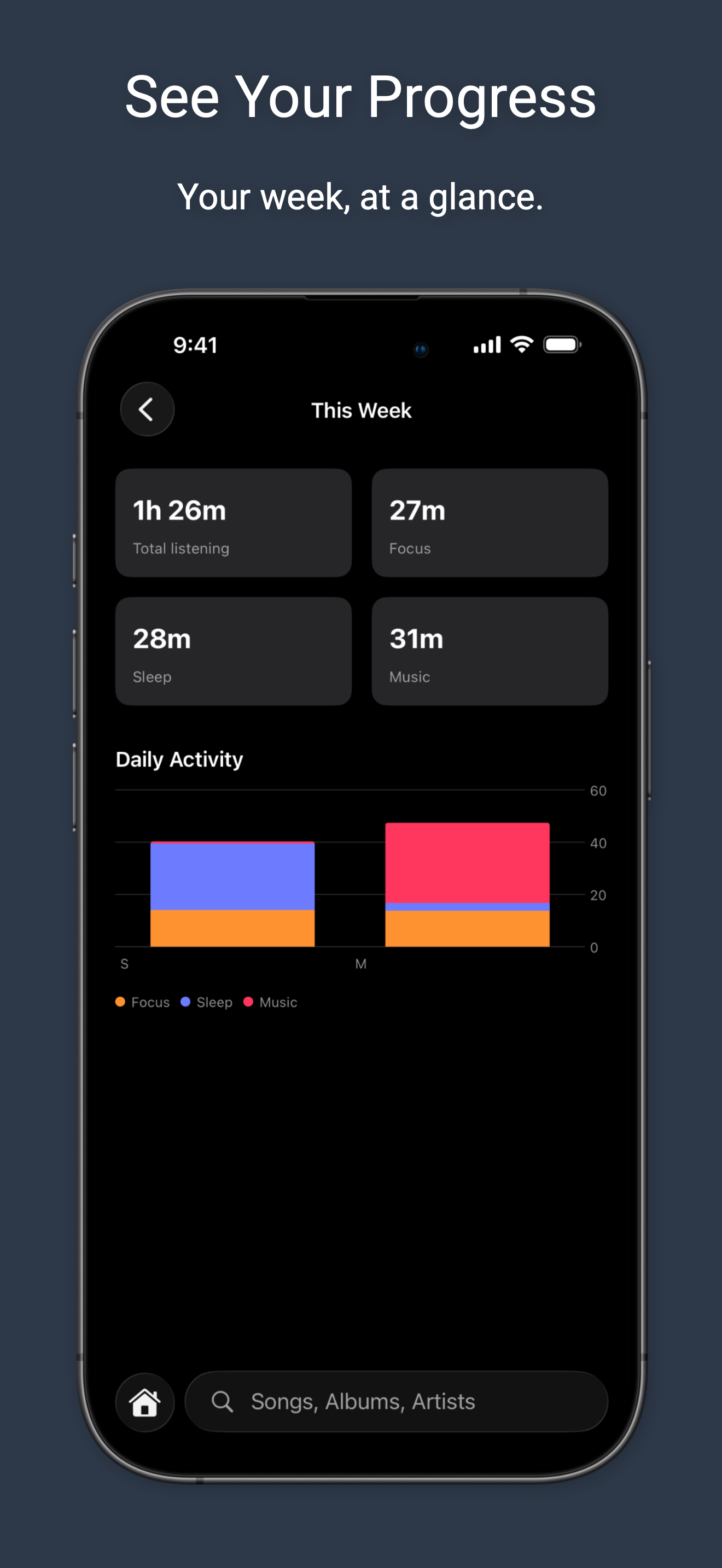
A look back at your listening.
See your listening activity in Music Mode, with a weekly overview and separate totals for Focus, Sleep, and music. Look back at your listening time and the sessions that make up your routine.
Your favorites, all within reach.
Keep songs, albums, playlists, artists, stations, and listening modes together in one personal space. Arrange them your way, so the music and sessions you return to are easy to find.
Keep your favorite albums and playlists organized, choose the tracks you want to hear, and use listening modes for focus, sleep, and waking up.

Offers in-app purchases.